


600+ students across 15 countries — Vienna · Cairo
MADESST.Academy
Studio ↗︎ Designs ↗︎
Course
Grasshopper Masterclass
★★★★★ 5.0 (5 reviews)  |  Instructor: Mohamed Abdelhady
A comprehensive introduction to Grasshopper, Rhino’s visual programming language for parametric and algorithmic design. Goes step by step from data and geometry fundamentals to data trees, attractors, mesh modeling, and morphing systems — the workflows essential to contemporary computational architecture.
⚠ Recommended after Rhino Masterclass, or if you’re already comfortable modeling in Rhino
+27h
Content
11
Parts
76
Sessions
28
Tasks
AR
Arabic 🇸🇦
SECURE CHECKOUT — INSTANT ACCESS — CERTIFICATE ON REQUEST
PREVIEW — WATCH BEFORE YOU BUY
Grasshopper Masterclass — course trailer
Video placeholder — added when footage is ready
Free preview — Session 01
Video placeholder — added when footage is ready
Make sure this is your next course
This is for you if
You already model in Rhino and want to automate and parametrize your workflow
You want to design facades, installations or surface systems that respond to data
You’re building a computational design portfolio for study or work
You learn best through structured, task-by-task progression
Start elsewhere if
You’ve never opened Rhino — start with Rhino Masterclass first
You only want rendering / visualization skills — see the D5 Render course
You want a 2-hour crash course — this is a full 27-hour, ground-up program
11 parts · 76 sessions
Curriculum
— Introduction to parametric modeling
— Grasshopper interface & basics
— Component types: Params, Logic, Math, Geometry
— Inputs: sliders, panels, containers
— Interface deep-dive: display, wires, grouping
— Exercise 01: basic parametric form
— Points & vectors
— Planes as coordinate systems
— Vector/plane applications with curves & surfaces
— 2D and 3D grids
— Exercise 02: responsive design
— Fields + Exercise 03: attractors
— Simple math components
— Geometry equations (area, volume, dimensions)
— Exercise 04: math + looping (Hoopsnake)
— Sine, cosine & Graph Mapper
— Exercises 05–06: wave-based systems
— Number remapping, domains, ranges, random & series
— Exercise 07: controlled organic design
— Simple point/curve/object attractors
— Image sampler for color & brightness data
— Exercise 08 — Pattern Design 01
— Exercise 09 — Pattern Design 02
— Lists vs. data trees
— Trees 01 — Graft & Flatten
— Trees 02 — advanced tree operations
— Lists 01 — basics
— Lists 02 — sort, reverse, cull, shuffle
— Sequence, sets, and applied recap
— Parameter space
— Curve primitives: lines, arcs, circles
— Spline curves & NURBS
— Curve utilities: offset, fillet, rebuild
— Curve division methods
— Curve analysis: curvature, tangents, length
— Exercise 10: curve-driven pattern
— Surface primitives
— Freeform: Loft, Sweep, Boundary
— Surface utilities & analysis
— SubD surfaces
— Lunchbox plugin for panels & grids
— Exercises 11–14: Water World patterns
— Mesh primitives
— Mesh utilities: join, explode, weld
— Mesh analysis
— Weaverbird plugin for subdivision & smoothing
— Voronoi triangulation + exercises 15–18
— Quad tree & metaball + exercises 19–21
— Shape intersections
— Region intersections: union, difference
— Physical (3D) intersection
— Mathematical intersection + Exercise 22
— Exercise 23: sliced/contour geometry
— Affine transforms: scale, project, shear
— Array commands: linear, polar, rectangular
— Euclidean: move, rotate, mirror
— Morph 01 — box morph, twisted box, blend box
— Morph 02 — domains
— Surface morph + Exercise 24
— Syntax deform + Exercise 26
— Map to surface + Exercise 27
— Capstone project combining points, vectors, curves, surfaces, lists, and transformations into one parametric system
28 hands-on exercises
Tasks
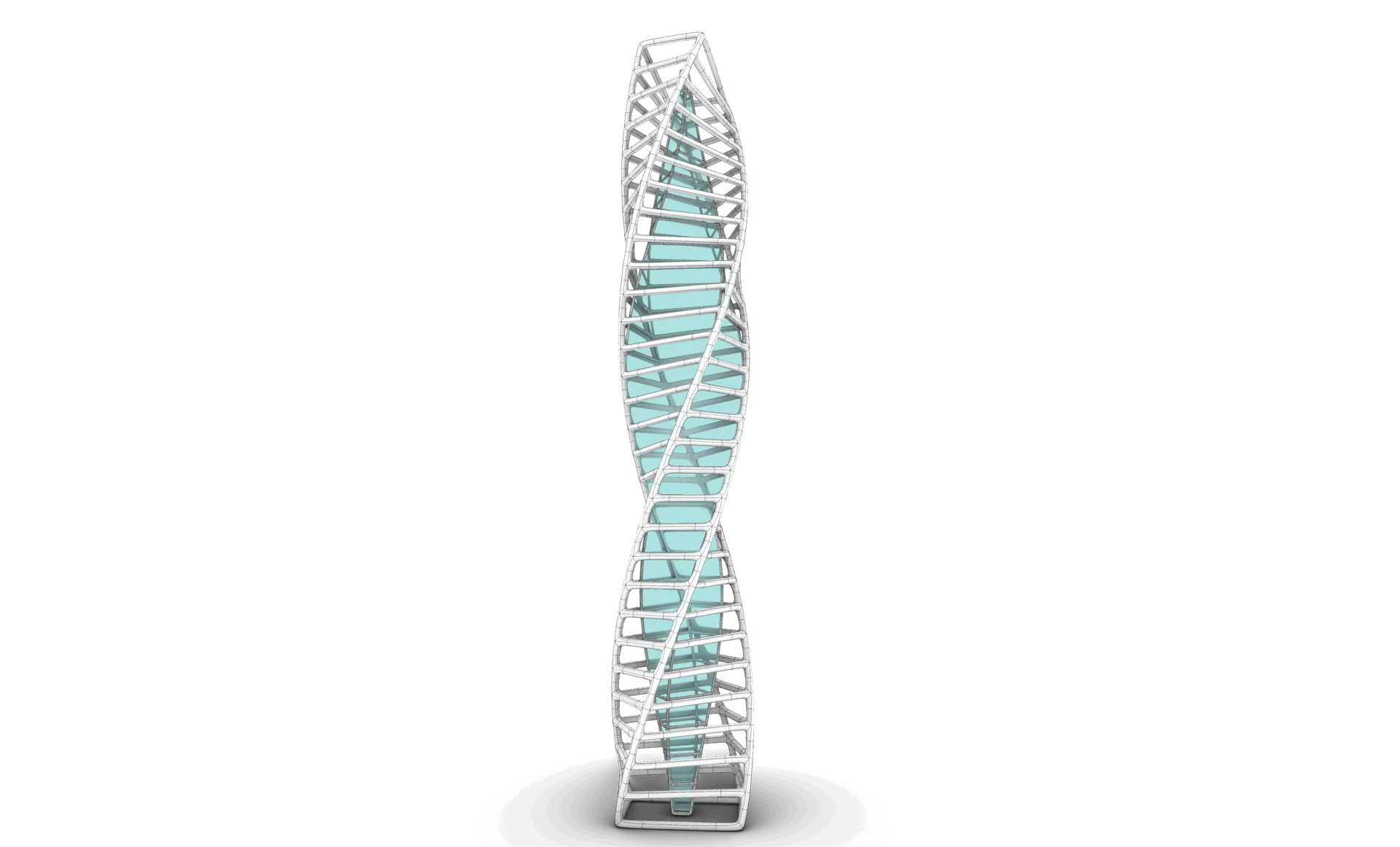
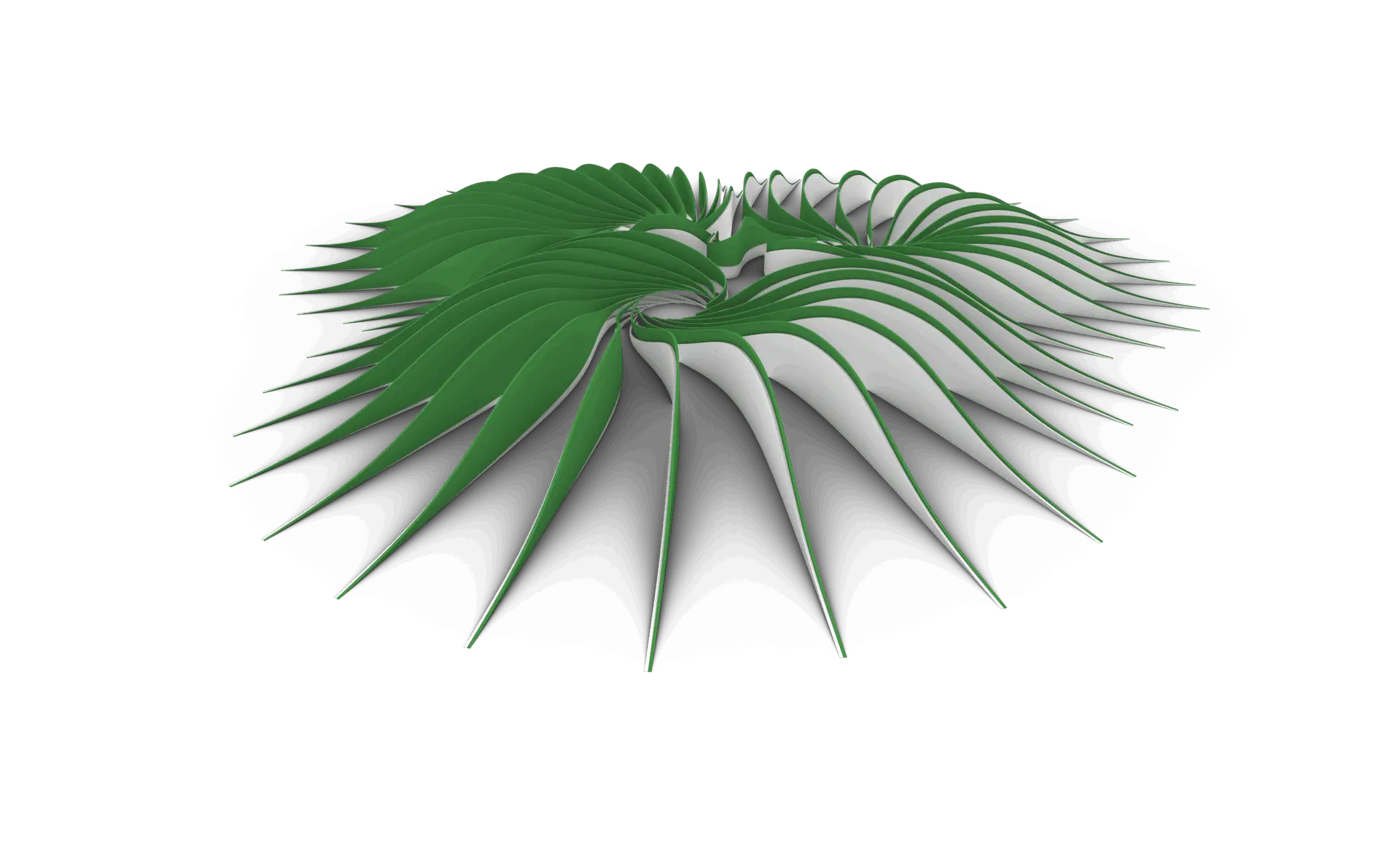
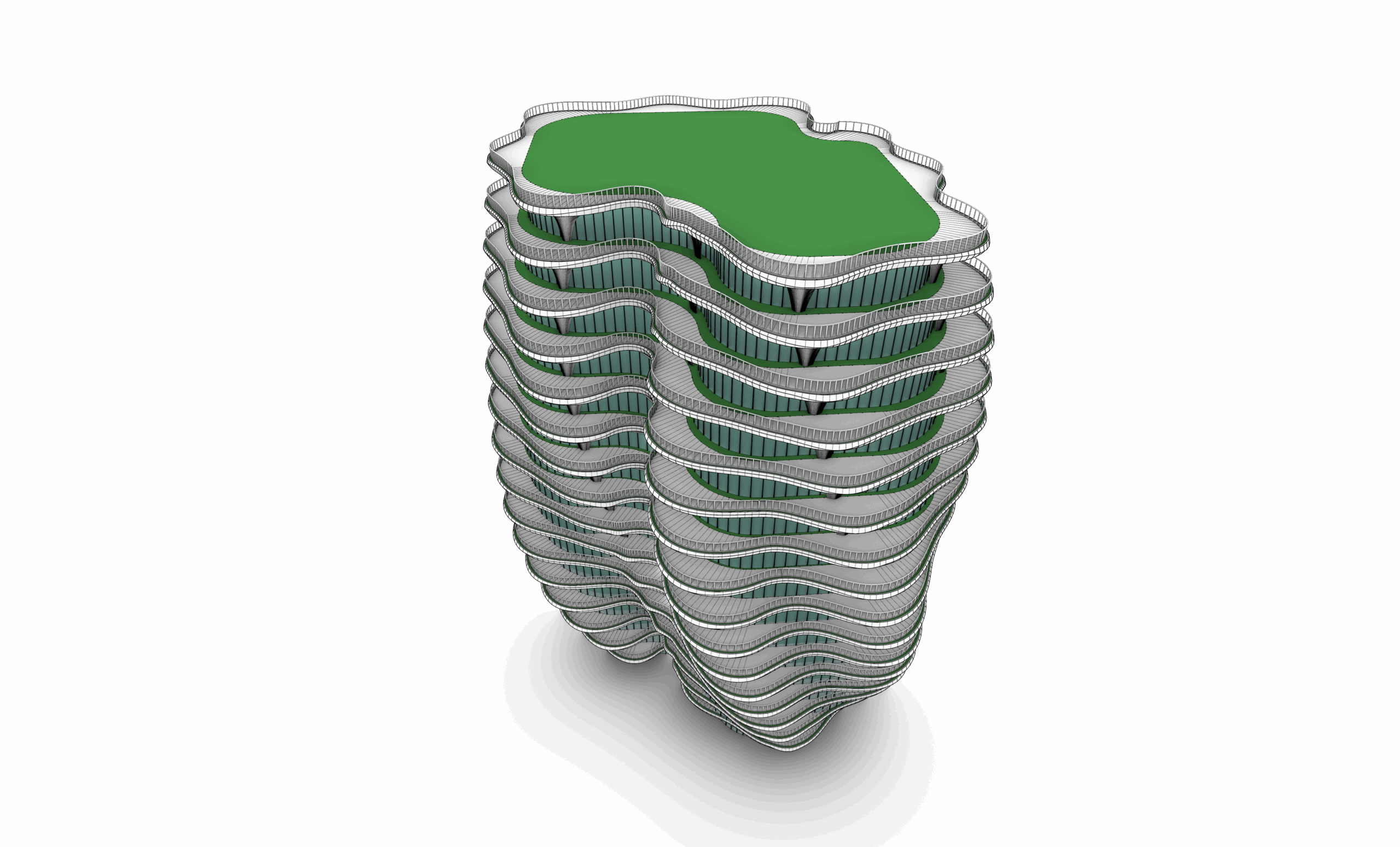
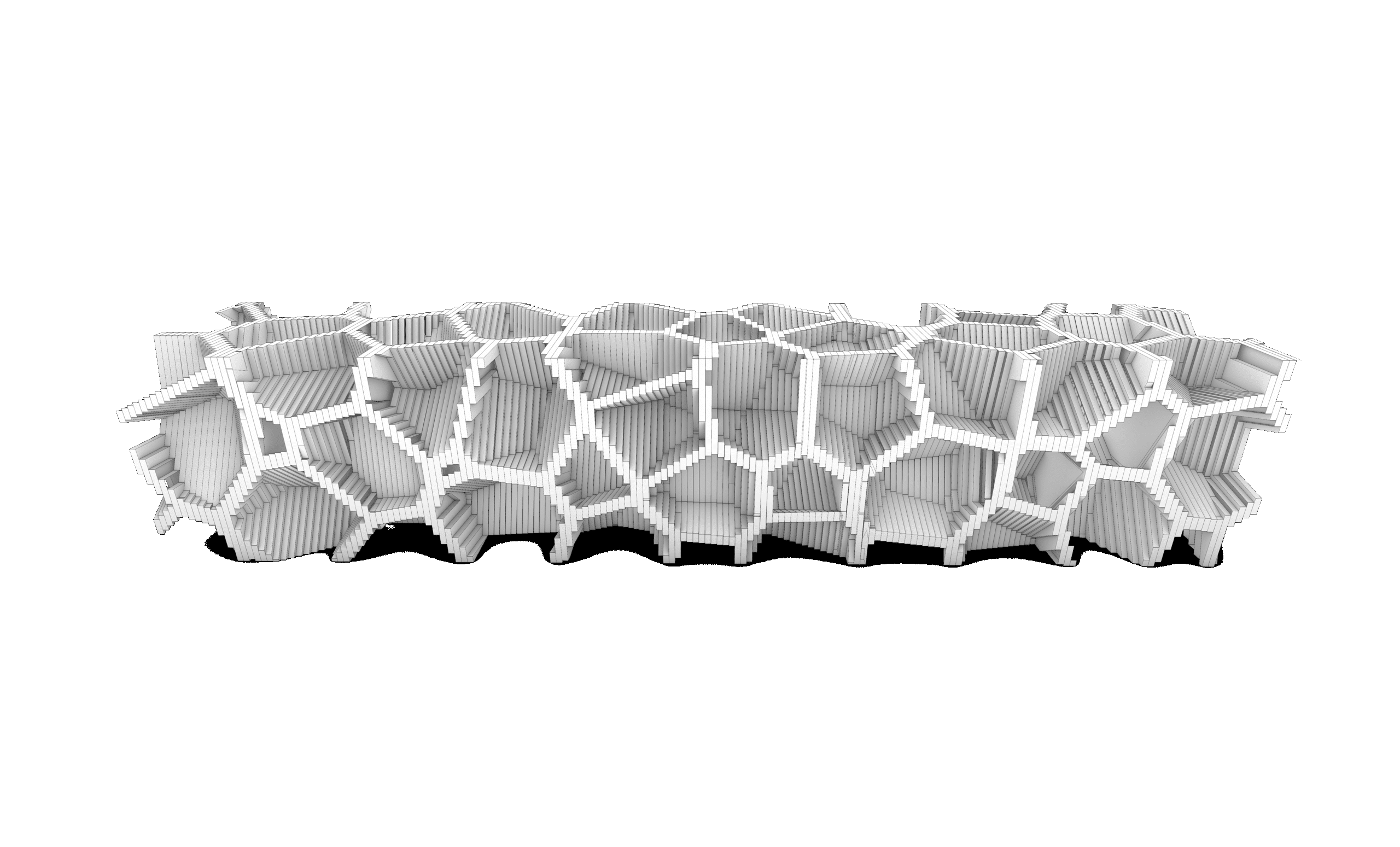
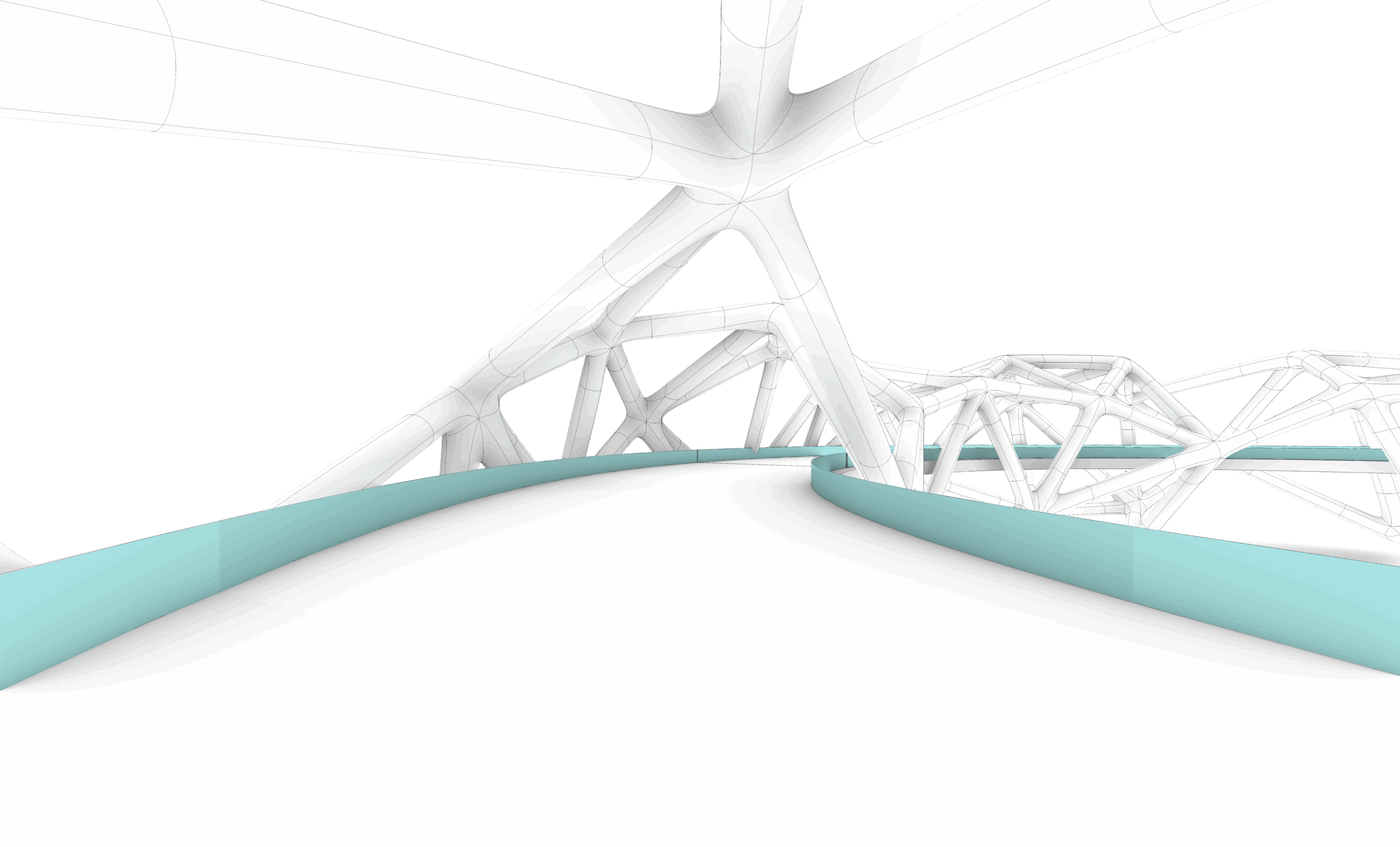
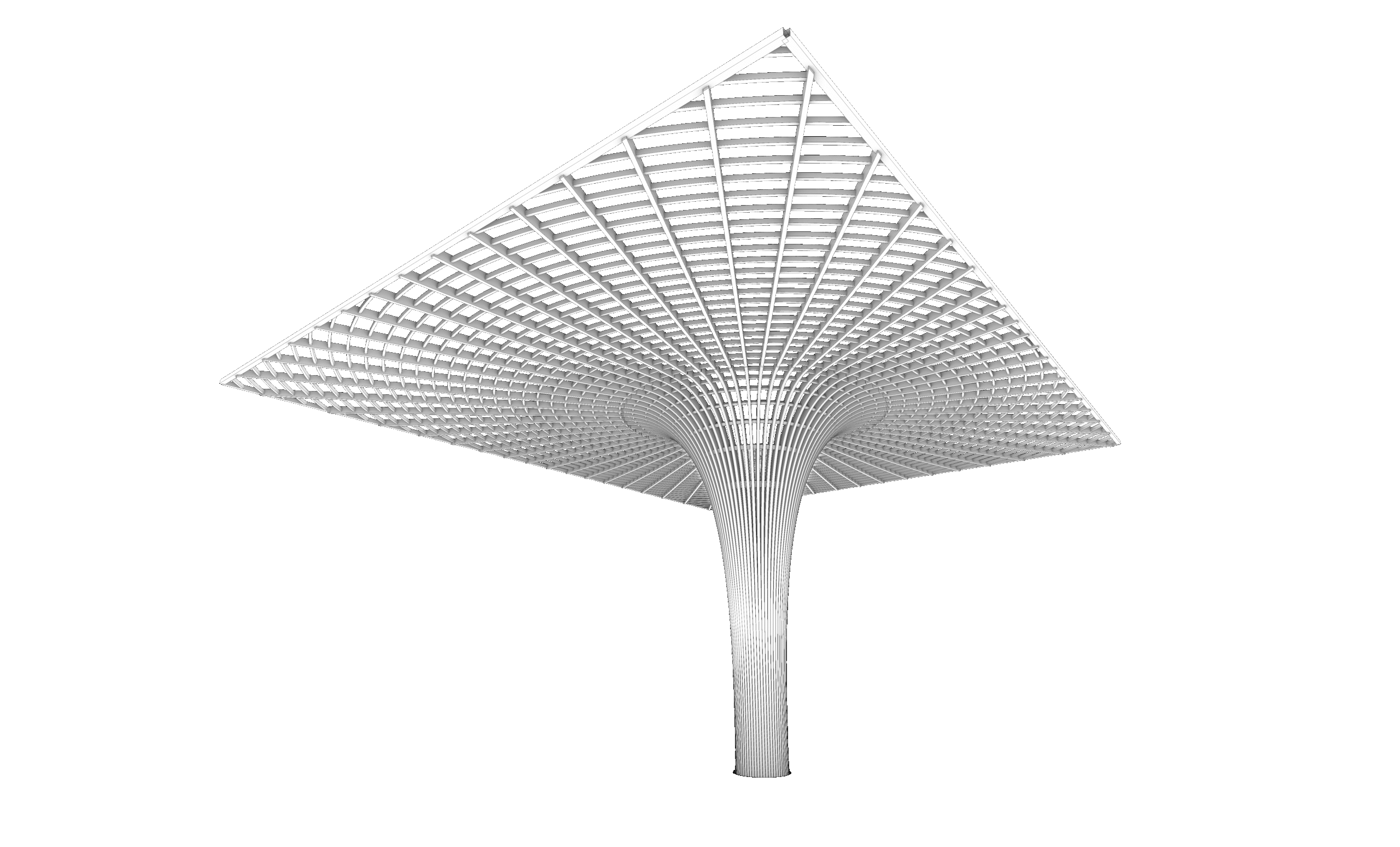
Real outputs from the course, not stock renders.
Ex.01–03 — Basic parametric form
Ex.04–07 — Math & graph-driven forms
Ex.08–09 — Attractor pattern design
Ex.10 — Curve-driven pattern
Ex.11–14 — Water World surface patterns
Ex.15–21 — Voronoi & metaball mesh systems
Ex.22–23 — Sliced & contour geometry
Ex.24–28 — Morph, surface mapping & capstone
← SWIPE TO BROWSE TASKS →
What students actually build
Every task is submitted to a student profile, where it can be viewed and liked by others in the program.
Part 09 · Task 02
📁 Projects  30
❤️ Likes  14
Part 09 · Task 02
📁 Projects  28
❤️ Likes  31
Part 03 · Task 01
📁 Projects  27
❤️ Likes  23
Part 08 · Task 06
📁 Projects  20
❤️ Likes  139
Part 04 · Task 03
📁 Projects  19
❤️ Likes  34
Part 11 · Task 01
📁 Projects  18
❤️ Likes  5
Your instructor
Mohamed Abdelhady
An architect and computational designer based between Vienna and Cairo, with experience across Grimshaw, DMAA, LAVA, and Xuberance on large-scale projects in Europe and the Middle East.
5.0 average · 5 reviews
Student reviews
One of the best Grasshopper courses I've taken. It breaks down parametric design in a very logical way, from basics to advanced definitions.

Mohamed Sameh
Verified student
Even after a couple of years in Rhino, I found this course useful — new commands, shortcuts, and tricks that sped up my modeling process.
Abdullah Kanbari
Verified student
I have taken courses from all over the world — so far this is the best one. Everything is clear, organized, and easy to digest.
Raghad
Verified owner
$140 $200 -30%
This course includes:
— Downloadable project files
— Certificate upon request
— Instructor support
— Lifetime access
Questions before you buy? Message us on WhatsApp
BEFORE YOU ENROL
Frequently asked questions
Yes, in practice. This course is strongly recommended after Rhino Masterclass, or if you’re already comfortable with basic Rhino modeling — Grasshopper builds directly on that foundation.
Rhino 3D with the Grasshopper plugin (bundled with Rhino 6 and later). A trial license is enough to follow along and complete every task.
Self-paced video sessions you can rewatch anytime, with instructor support if you get stuck on a definition or task.
Instruction is in Arabic. The Rhino and Grasshopper interfaces, component names and terminology are taught in their native English, exactly as you’ll use them day to day.
Yes — a Madesst certificate of completion is available on request once you finish the course.
Instructor support is included — post your question and definition and get help unblocking the specific step.
600+ STUDENTS ACROSS 15 COUNTRIES
Design with logic, not just your hands.
76 sessions. 11 modules. One parametric mindset that changes how you approach every project after this one.